




Santa’s Workshop
24 doors, 24 little celebrations. From 1 to 24 December a new door opens every day: a puzzle, a gift and a kind deed for the whole family.
On sale now. Works on phone, tablet and computer.
 doorsfrom 1 December
 a giftbehind every door
Step into the workshop
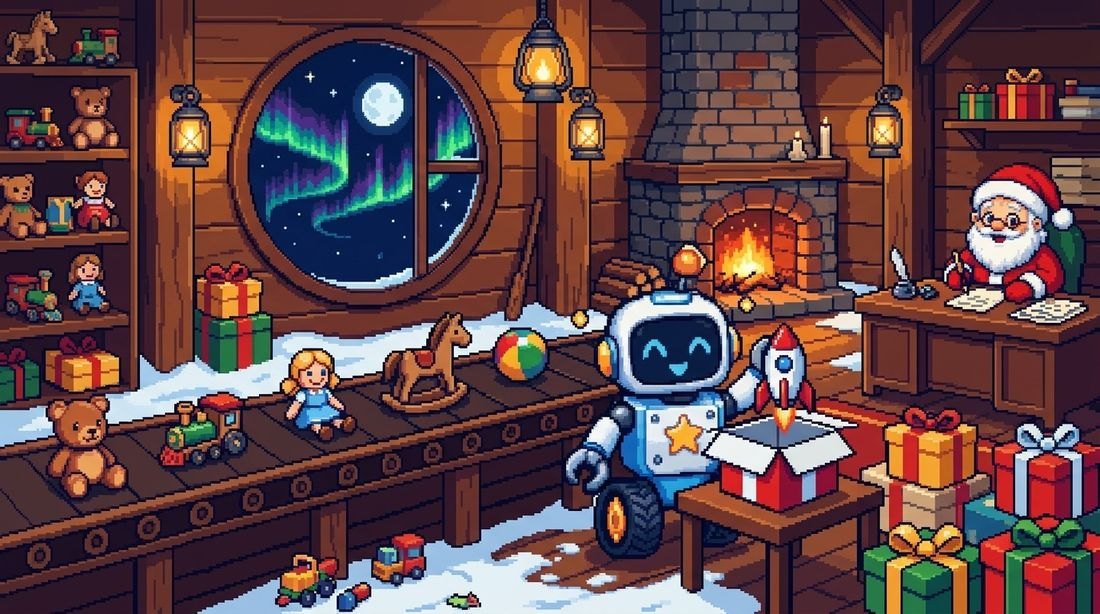
Bolt the robot has fallen to pieces, and Christmas is just around the corner. Every door gives him back one part. Open all 24, and on Christmas Eve Bolt comes back to life.
Behind the doors
Not lessons or grades, but the joy of waiting for the holidays. A little play, a little warmth and a little magic every day.
24 doors
From 1 to 24 December a new door opens every morning. Missed doors never disappear.

Puzzles and games
Logic, numbers, beginner coding and words in English or Spanish.

Three levels
Easy, medium and hard in every door. Everyone in the family plays at their own level.

Gift of the day
A printable craft and a screen-free task: a small activity at home with family or friends.

A festive finale
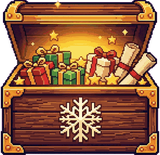
Bolt comes to life, Santa writes a personal letter, and a chest holds all the crafts and a personal certificate.
Snowflakes and titles
Every new level earns a snowflake. Snowflakes unlock titles and bonuses: a colouring book and a board game.
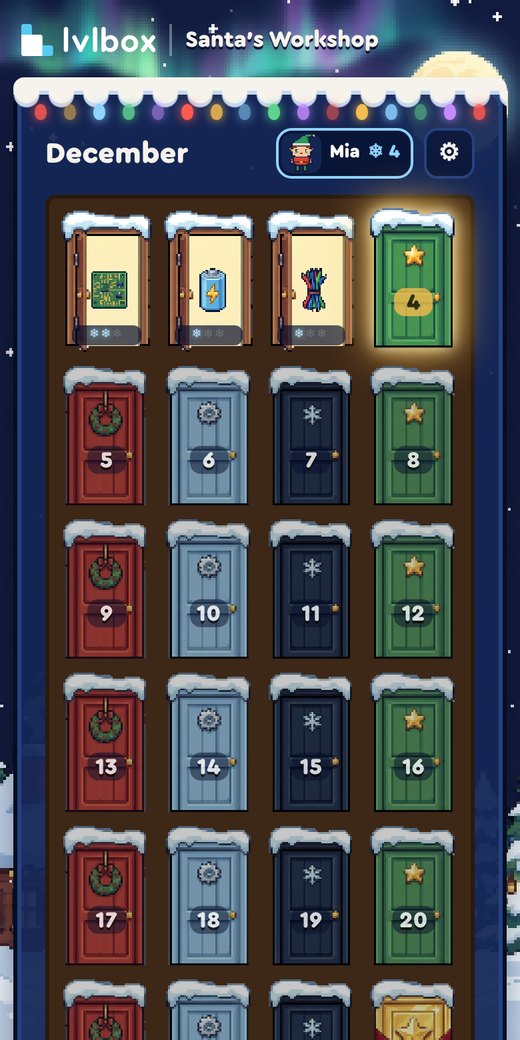
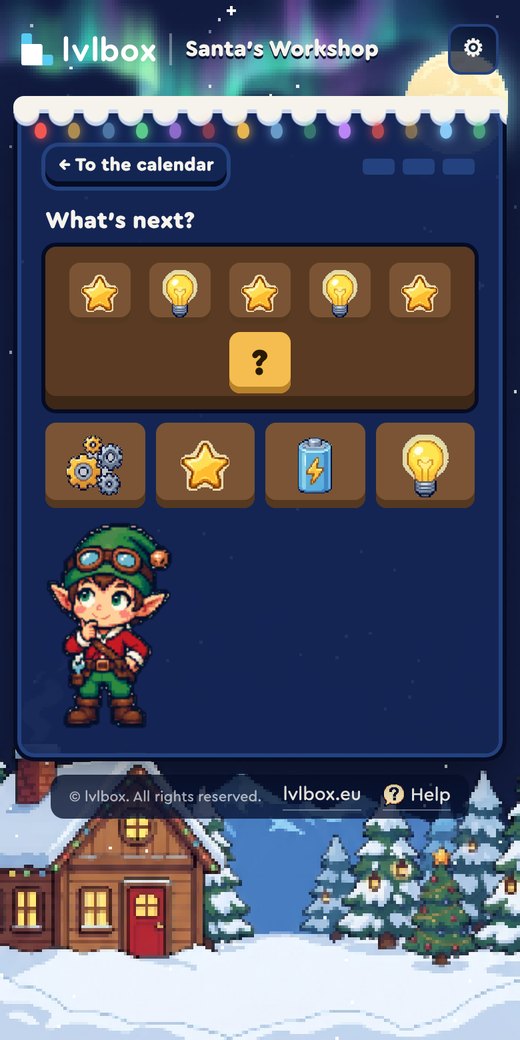
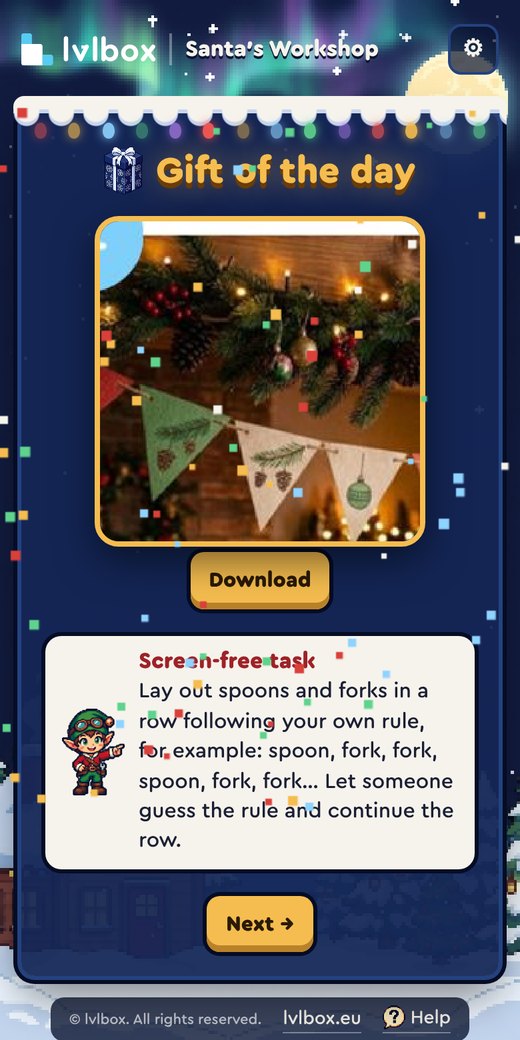
For everyone who loves waiting for the holidays



Game language: English, Spanish or Russian. Practise words in English or Spanish.
How it works
No passwords, no accounts.
Pay
€10 by card via Stripe. It takes a minute.
Open
The calendar opens right after payment on the device you paid with.
Save your link
Your game profile has a personal link. It opens the calendar on two more devices.
Wait for 1 December
Open a new door every day. Bought it later? Past doors are already waiting.
Everything behind the 24 doors
- 24 doors with tasks at three levels
- 24 printable crafts and screen-free tasks
- Colouring book, board game, personal certificate
- Up to 3 devices per purchase
- No subscription, no recurring payments
How to install
The calendar works right in your browser. Install it and a Bolt icon appears on your screen, just like an app.
 iPhone and iPad
- Open the calendar in Safari.
- Tap «•••» at the bottom right, then «Share».
- Choose «Add to Home Screen», then «Add».
 Android
- Open the calendar in Chrome.
- Tap ⋮ at the top right.
- Choose «Install app» or «Add to Home screen».
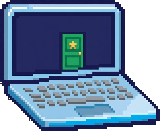 Computer
- Open the calendar in Chrome or Edge.
- Click the install icon on the right of the address bar.
- Click «Install».
Frequently asked questions
When do the doors open?
The first door opens on 1 December, then one more every day until 24 December. Until 1 December you can play the free demo.
How old should my child be?
There is no age limit. Every door has three difficulty levels, so younger children, teenagers and adults can all play.
How many devices does one purchase cover?
Three: for example a phone, a tablet and a computer. Game progress is saved separately on each device.
We missed a few days. Are those doors lost?
No. Missed doors stay open and you can play them any day.
Do I need the internet?
Yes, to open a new door and download the crafts. Doors you have already opened also work offline.
Do I need to print anything?
Not necessarily. Crafts and bonuses come as PDFs that you can print whenever you like, as many times as you like.
I’m already playing the demo. Will my progress carry over?
The demo and the full calendar are separate. After purchase the full calendar starts from the first door, and you can delete the demo.
Still have a question?
Write to us at gameboxlvl@gmail.com and we’ll reply.
Make December magical
Open the first door together with Bolt.
By buying the calendar you accept the User Agreement and the Privacy Policy.
